
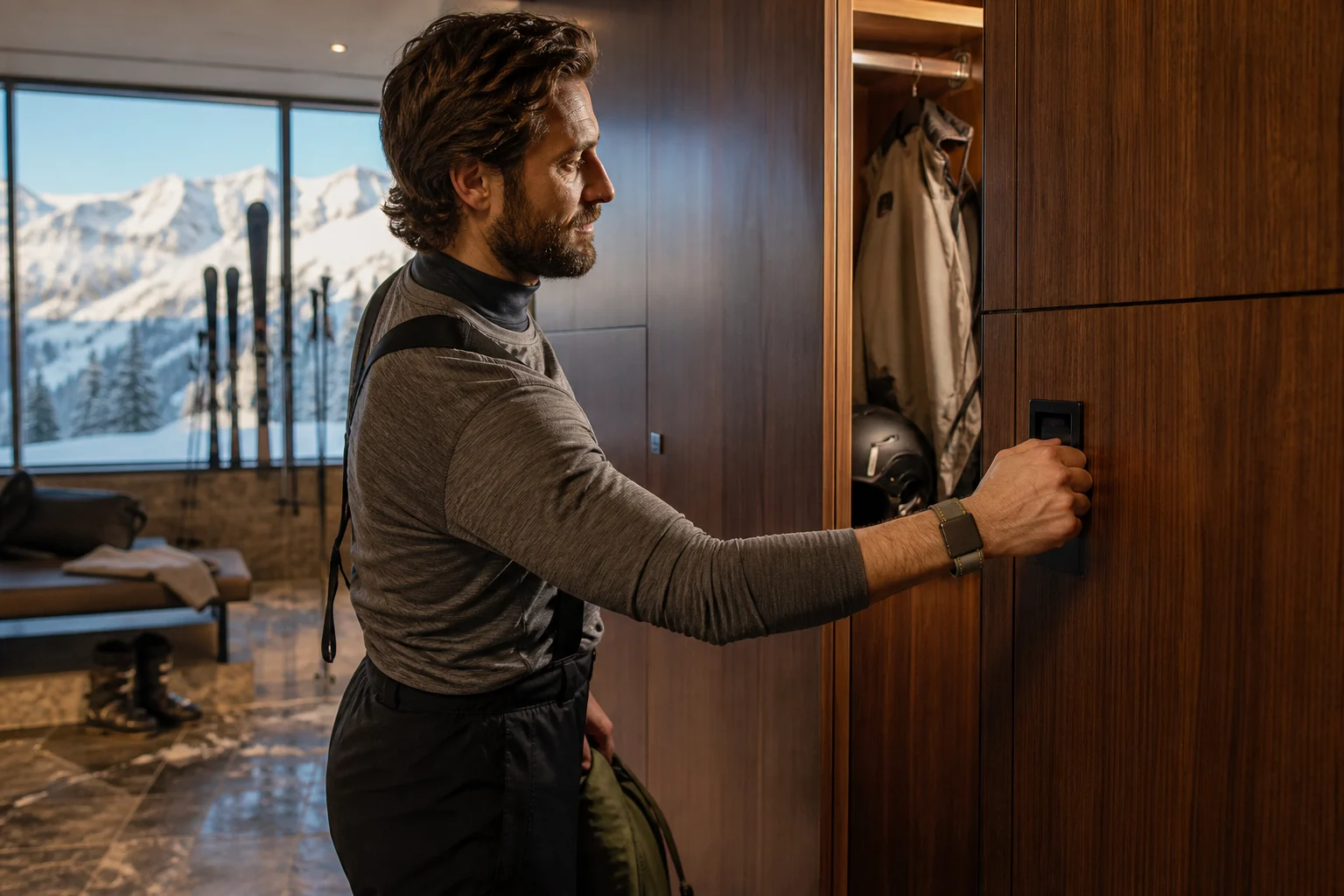
A guest may encounter eight access and payment moments before lunch: parking, check-in, ski rental, a boot locker, the gondola, ski school, a mountain restaurant and the hotel room. Asking them to manage a different token for each one creates friction. The appeal of one ski resort RFID credential is obvious—but the technical decision is more nuanced than placing the same printed number on every card.
This guide explains when one physical credential can serve the full resort and when a coordinated family of ski pass cards and resort wristbands gives guests and operators a better result.
What “one credential” can mean
Resort teams often use the phrase in three different ways:
- One physical credential: the same card or wristband is accepted by every included reader.
- One guest account: several physical credentials point to the same profile, permissions or wallet in connected software.
- One coordinated credential family: a lift card, room key and wristband use consistent branding and guest data but retain the technology each system needs.
Only the first model removes every extra object. The second and third can still deliver a coherent guest journey, and may be much easier to support when lift, hotel and leisure systems have different technical requirements.
Map the complete resort journey
| Touchpoint | Guest action | Questions to document |
|---|---|---|
| Parking | Enter, exit or validate | RFID, barcode, licence plate or staff validation? |
| Check-in | Receive and activate access | Which system creates the guest record and permissions? |
| Rental | Collect and return equipment | Does the token identify the guest, item or both? |
| Ski school | Verify lesson and group | What must instructors see or scan outdoors? |
| Lift | Pass a gate hands-free | Frequency, standard, data format and read position? |
| Locker | Open and close storage | Fixed or dynamically assigned locker? |
| Hotel room | Unlock door and common areas | What credential types does the lock support? |
| Dining & retail | Charge an account or redeem credit | Stored value, account lookup or simple entitlement? |
Include staff-only doors, handheld validation, lost-and-found, emergency procedures and offline operation. A solution that covers the polished guest path but not exceptions will create pressure at the ticket desk.
When one physical card can work
One card is realistic when the systems share a supported contactless technology and the operational teams agree how the guest identifier and permissions are managed. The lift gate, hotel lock, locker controller and payment platform do not necessarily need identical software, but each must be able to read an agreed part of the credential or reliably resolve it through an integration.
Before committing, confirm:
- supported frequency and air-interface standard at every reader;
- which identifier or memory area each system uses;
- whether encoding keys or protected data are required;
- who owns activation, revocation and replacement workflows;
- whether a lost credential can be disabled everywhere quickly;
- how systems behave if the network or central integration is unavailable;
- whether the final card construction reads reliably at each touchpoint.
ISO/IEC 14443 and ISO/IEC 15693 are examples of common contactless standards, not a guarantee that two systems will accept the same credential. A shared serial number also does not create shared permissions by itself.
When a coordinated card-and-wristband family is better
Different form factors excel in different moments. A card can move efficiently through a ticket printer, carry a guest photograph and sit in a ski-jacket pocket for hands-free gate reading. A wristband is harder to lose during spa, pool and locker use, and it stays available when the guest is not wearing ski gear.
A coordinated family is often the stronger choice when:
- lift and hotel readers require different credential technologies;
- guests need a wearable token for wet leisure areas;
- season-pass holders need photo identification but short-stay guests do not;
- children or ski-school groups need a secure, adjustable wearable format;
- premium guests receive a reusable credential while day visitors need rapid issue;
- separate systems cannot revoke or update one shared token safely.
The objects can still feel unified. Use one visual system, a clear colour code, coordinated numbering and packaging that explains the role of each credential. Behind the scenes, the guest profile can connect them where the resort software permits.
Cards, wristbands and supporting credentials by use case
Lift pass card
Best when the gate is designed for a credential in a jacket pocket and the resort needs fast ticket-desk printing, pass-type recognition or season-holder photographs. Options include permanent print, variable data and thermal-rewritable surfaces.
Reusable resort wristband
Best for repeated hands-free use across rooms, lockers, spa, dining and cashless accounts. Construction, closure and water resistance should match the guest group and intended reuse cycle. See PrintPlast's custom RFID wristband formats.
Hotel or chalet key
A dedicated room key can be appropriate when the property lock system is separate from the mountain operation. Wood, recycled PVC and plant-fibre constructions allow the hotel credential to remain consistent with the resort's visual identity. Grace La Margna St. Moritz, for example, selected a custom walnut RFID key card for its alpine hospitality experience.
Staff, rental and equipment credentials
Staff IDs, ski-school cards, rental tags and locker tokens may need visible roles, photos, barcodes or attachment features that are unnecessary on a guest lift pass. Keep these in the same procurement map even when they remain separate physical products.
Design the guest account and permissions
The physical credential should reveal as little personal information as operationally necessary. A printed or encoded identifier can point to the relevant record in an authorized resort system; it does not need to carry the guest's entire profile or payment data.
Define roles and lifecycle events before launch:
- Who issues the credential and activates each service?
- Which teams can add or remove permissions?
- What happens at checkout or pass expiry?
- How is a lost card or wristband replaced?
- Can unused balances, rentals or lesson entitlements transfer to the replacement?
- Which audit records are required?
- How long is guest data retained, and under what privacy basis?
Cashless payments need a defined architecture
“Cashless wristband” can describe several models. The credential may identify a guest account managed by the resort platform, represent a preloaded closed-loop balance, or trigger an entitlement such as a meal plan. It should not be assumed to function as a general payment card.
Bring the resort's payment provider, IT/security owner and finance team into the design. They must define transaction authorization, refunds, lost credentials, offline limits, reconciliation and regulatory responsibilities. The credential manufacturer supplies the agreed physical and RFID specification; it does not replace the payment system.
Prototype the actual journey
Create finished samples for the proposed cards and wristbands, then test a realistic guest scenario from arrival to checkout. Include long names, child and staff permissions, a lost credential, a room change, an expired lift entitlement and an offline reader. Test physical comfort and presentation as carefully as data flow.
- Confirm every reader and supported credential specification.
- Agree the guest identifier, encoding and integration responsibilities.
- Select the physical format for each moment.
- Produce finished, reader-matched samples.
- Run technical, operational and guest-experience acceptance tests.
- Document issue, replacement, return and recycling workflows.
Questions for a one-credential project brief
- Which guest, staff and equipment journeys are in scope?
- What reader and software system operates at each touchpoint?
- Which physical format suits each environment?
- Must the credential be permanent, reusable or thermal rewritable?
- Who supplies encoding data and manages permissions?
- What visible personalization is required?
- How are credentials issued, replaced, collected and packed?
- What sample tests must pass before production approval?
For card-specific materials, printing, testing and quotation details, continue with the RFID Ski Pass Cards Buyer's Guide.
Map your complete resort credential program
PrintPlast can produce lift pass cards, resort wristbands, room keys, locker cards, staff IDs and supporting printed credentials in one coordinated project. Share the systems and touchpoints in scope to begin technical matching and sampling.