
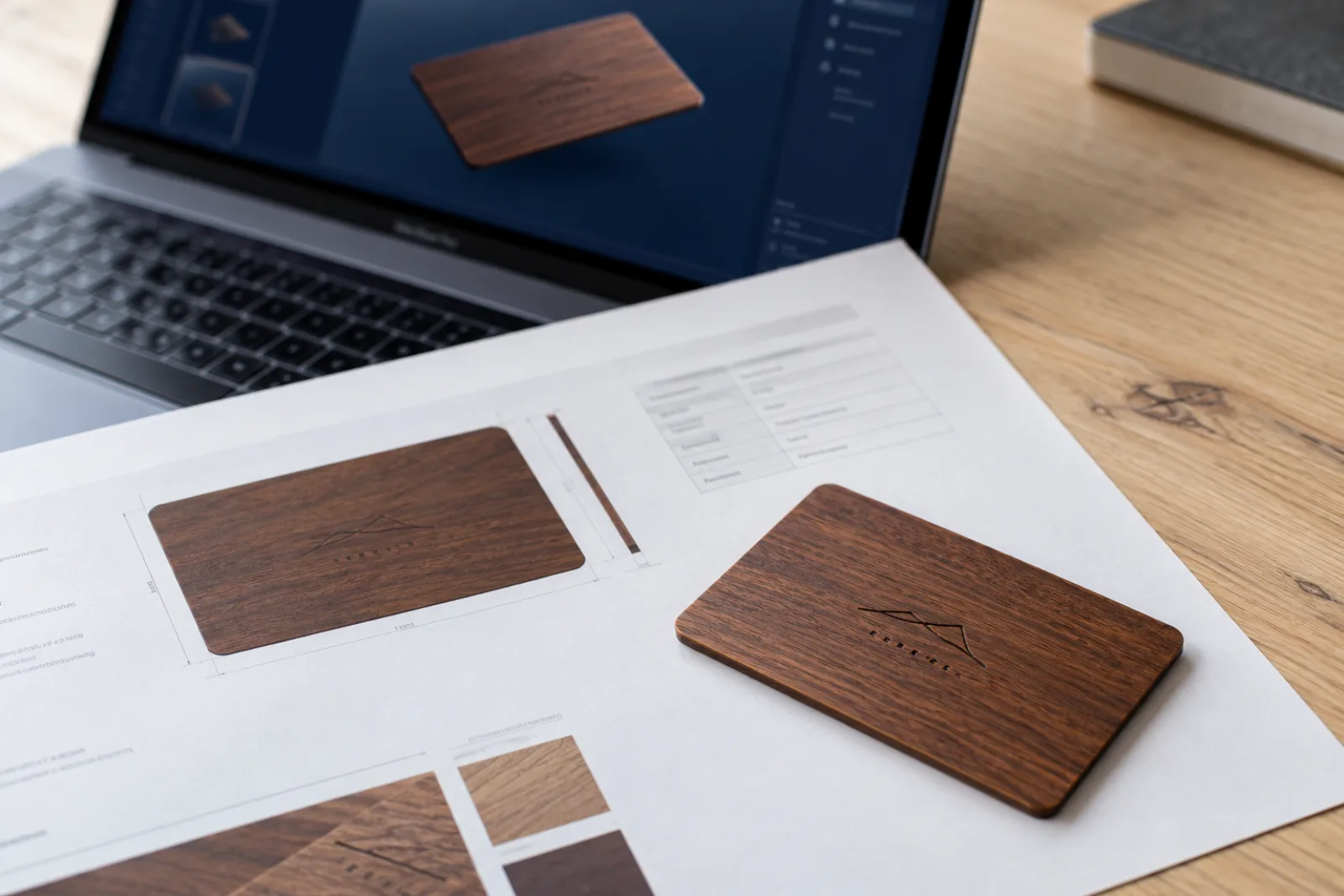
A hotel key card proof is the document that fixes everything about your card before the factory runs it: the artwork on both sides at actual size, the material and thickness, the chip, and every finish such as hot-stamp foil, UV ink or laser engraving. At PrintPlast nothing goes into production until you have approved it in writing. Since 2026 we add a second view of the same proof: an interactive 3D model of the finished card that you can rotate, flip and X-ray in the browser.
Open the demo to see what you get: a laser-engraved sapele wood key card, 500 pieces, as it was proofed. Drag to rotate, double-click to flip, and switch to the proof sheet tab to see the PDF it was built from.
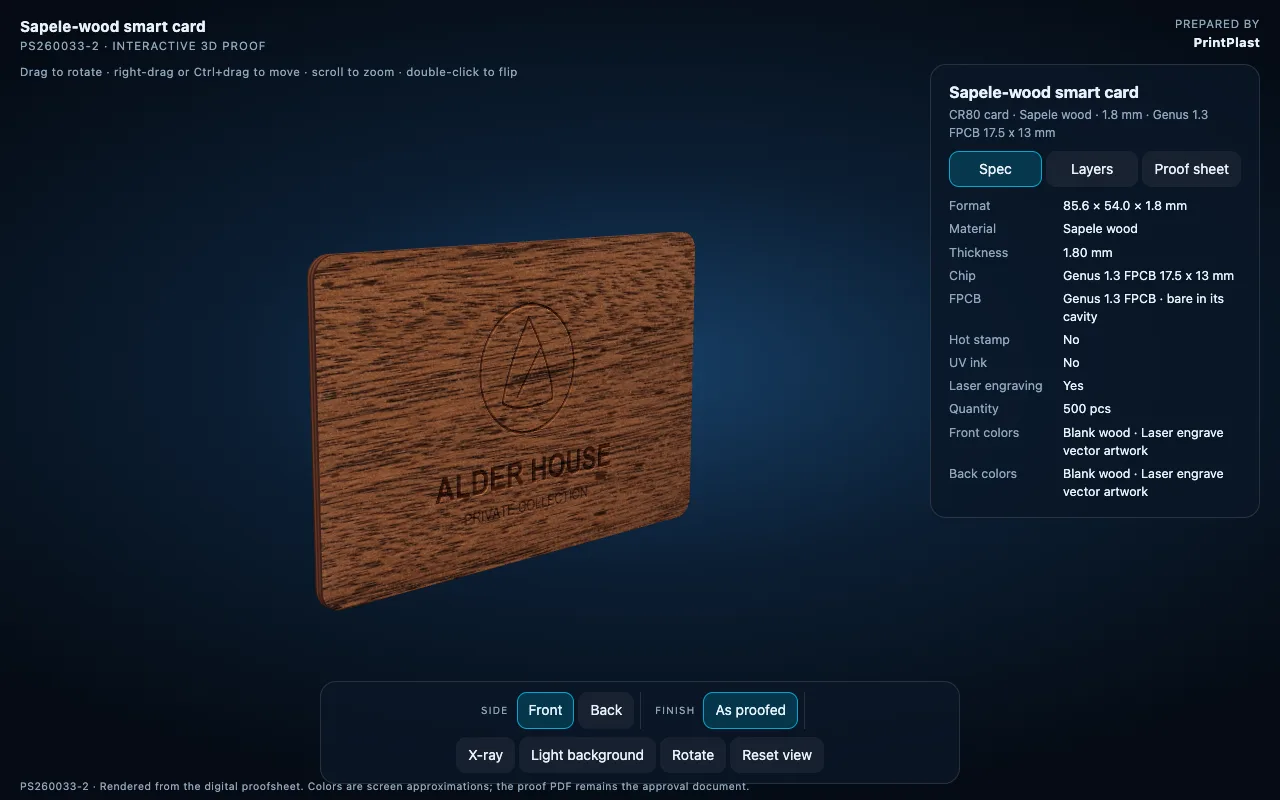
The 3D proof of a 1.8 mm sapele wood key card. The spec panel on the right is read directly from the factory proof sheet.
What Is on a Key Card Proof Sheet
Every job gets a proof sheet from the factory with its own job number. It shows the front and the back of the card at 1:1 scale and a spec grid next to them. The grid is the part most people skip, and it is the part that causes reprints when it is wrong.
| Field | What it fixes | Typical values |
|---|---|---|
| Format | Card size and thickness | CR80, 85.6 x 54 mm, 0.76 mm PVC or 1.8 mm wood |
| Material | The card body | PVC, recycled PVC, PPH BioBoard, sapele, cherry, walnut |
| Chip | Compatibility with your lock system | 13.56 MHz chip matching your lock system, confirmed from your current card |
| Hot stamp | Foil colour and position | Gold, silver, holographic, or none |
| UV ink | Raised spot varnish | Yes or no, with the varnish layer shown |
| Laser engraving | Logo and text burned into wood | Vector artwork only |
| Front and back colours | What prints on each side | CMYK, Pantone, white underprint, blank |
| Quantity | The run the price was based on | 500 to 50,000 pieces |
If one of these is wrong on the approved sheet, the factory has done exactly what was approved. That is why we ask you to read the grid, not only to look at the artwork.
Why a Flat PDF Is Not Enough
The proof sheet is precise, but it is flat. Four things are hard to judge on it, and they are the four corrections we see most often.
- Back orientation. A card is turned over on its long edge, so back artwork that looks right in the PDF can come out upside down when a guest flips the card. On the 3D proof you flip it yourself.
- Logo over the chip. The chip module and antenna sit in a fixed position inside the card. On a wood card the engraving should not run across the chip cavity. The X-ray view shows where the chip sits.
- Foil and UV in light. Gold foil on a dark background and raised UV varnish only read correctly when light moves across them. A flat PDF shows a gold-coloured shape.
- Engraving on wood. Clients expect printed sharpness from laser engraving. The 3D model shows the engraving as a burned mark in the grain, which is what the finished card looks like.
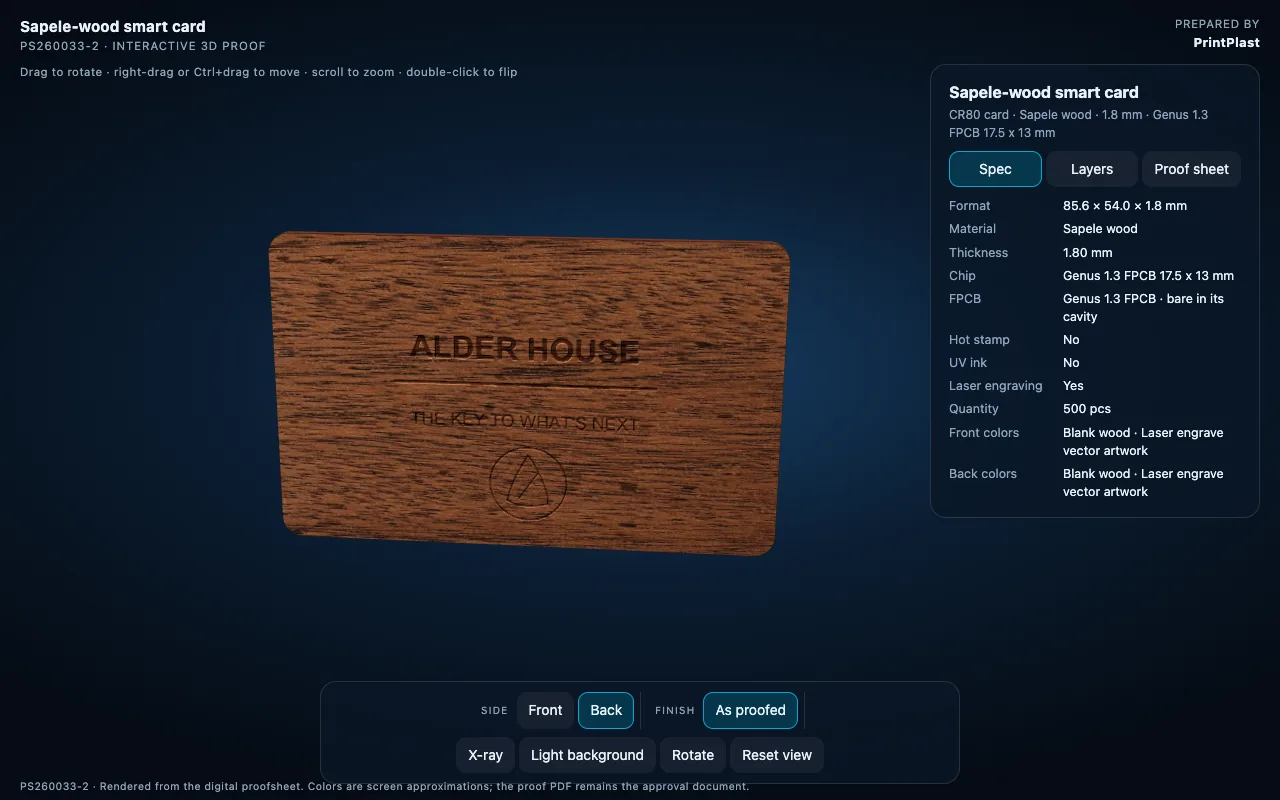
Rotating the card shows the engraving as it sits in the grain, with the edge thickness visible.
How the 3D Proof Is Made
We do not build the 3D proof by hand. The factory proof sheet is uploaded to ProofScene, a 3D print proofing tool for card and packaging suppliers. It reads the artwork, the die line and the spec grid from the PDF and builds the card at its own size, stock and thickness, with the foil, varnish and engraving layers in place. Parsing takes between 5 and 30 seconds. We check the render against the PDF, then publish it as a private link on printplast.proofscene.com with a password that we send you together with the proof sheet.
Two details matter here. The link is built from the proof sheet, so the two can never disagree. And the proof sheet stays the approval document. The viewer says so in its footer, and we hold to it: the 3D model helps you decide, the PDF is what you sign off.
Door hangers and some shaped products still go out as PDF only, because the 3D engine needs a flat card, fob or sleeve to work from. For standard CR80 cards, key fobs, wooden cards, PPH BioBoard cards and card sleeves the 3D link is now part of every proof we send.
What to Check Before You Approve
- Open the 3D link and flip the card. Confirm the back reads the right way up.
- Switch to X-ray and check that no engraving or critical text sits over the chip position.
- Read the spec grid line by line. Material, thickness, chip and quantity must match your order.
- Check names, room-number fields and any phone number or URL on the card for typos. The 3D model will not catch those for you.
- Reply to the proof email with your approval, or with the change you want. A change produces a new proof sheet and a new 3D link with the next revision number.
Once we have your approval the job goes into the production queue. The proof sheet number travels with it, so the cards you receive can be matched to the exact document you approved.
Frequently Asked Questions
Is the 3D proof an exact colour match?
No. It is rendered on your screen, so colours are approximations, the same as any PDF viewed on a monitor. Pantone references on the spec grid are what the factory matches. For critical brand colours we recommend a printed sample before a large run.
Do I have to approve the 3D proof or the PDF?
The PDF proof sheet. The 3D link is built from it and helps you review, but your written approval refers to the proof sheet number.
Can I share the 3D link with my team or brand agency?
Yes. The link and password can be forwarded. The link stays online until the job is approved and archived.
Which products get a 3D proof?
CR80 cards in PVC, recycled PVC, PPH BioBoard and wood, key fobs, and card sleeves. Door hangers and irregular shapes are proofed as PDF only.
What file do you need from me to start a proof?
Vector artwork as AI, EPS, PDF or SVG, plus the name of your lock system or a photo of a current key card so we can confirm the chip. A JPG or PNG logo is enough for a first mock-up, but not for the proof.
Start With Your Artwork
Send us your logo and lock system and you will get the proof sheet and the 3D link before anything is produced.
Products: Custom hotel key cards · Wooden key cards · PPH BioBoard · Key card size guide · Contact PrintPlast